Use Case 01

Restaurant Menus

Deliver immediate clarity on allergens, dietary filters, and food attributes at the exact moment customers make ordering decisions.

Operational Goals

  • Expose critical allergen signals directly in menu lists and item detail drawers.
  • Keep icon meaning identical in browse, cart, and checkout steps.
  • Use one canonical icon per concept to avoid mixed interpretations.
  • Preserve readability on mobile-sized menu cards and dense item rows.
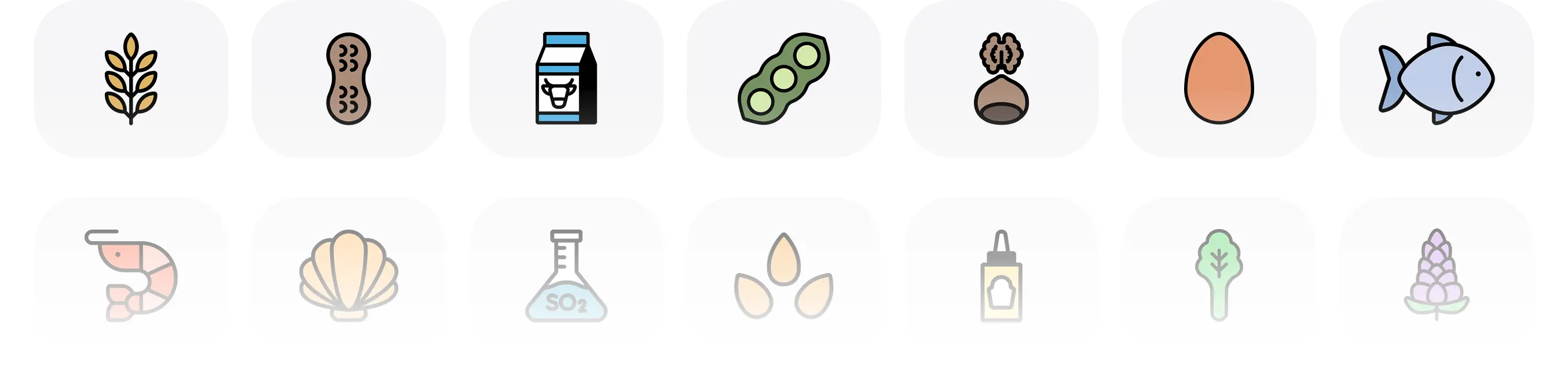
Restaurant menu icon showcase

Implementation Rules

Single Source Taxonomy

Map each icon to one controlled definition and reuse it across menu templates.

Touchpoint Consistency

Do not swap icon variants between browse and checkout. Preserve continuity to reduce cognitive load.

Legibility First

Reserve adequate spacing around icons and avoid decorative effects that degrade recognition speed.

Deploy this workflow in your product

Choose a pack and standardize menu clarity without redesigning icon behavior for every release.